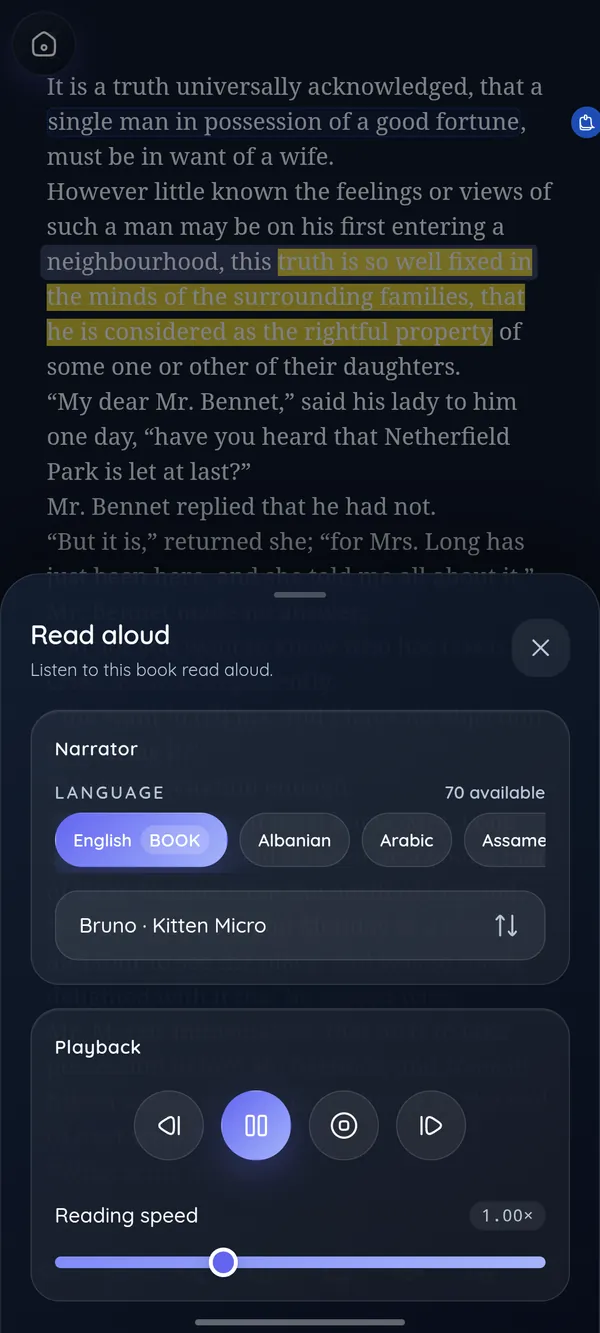
Listen when your eyes are tired
Natural voices in 70 languages. Each sentence lights up as it is read, and you set the pace.
DeltaScroll for Android
Open EPUB, PDF and DOCX books, turn pages like paper, and let the app read to you when your eyes need a rest. Your books stay on your phone.
Inside the app
Natural voices in 70 languages. Each sentence lights up as it is read, and you set the pace.
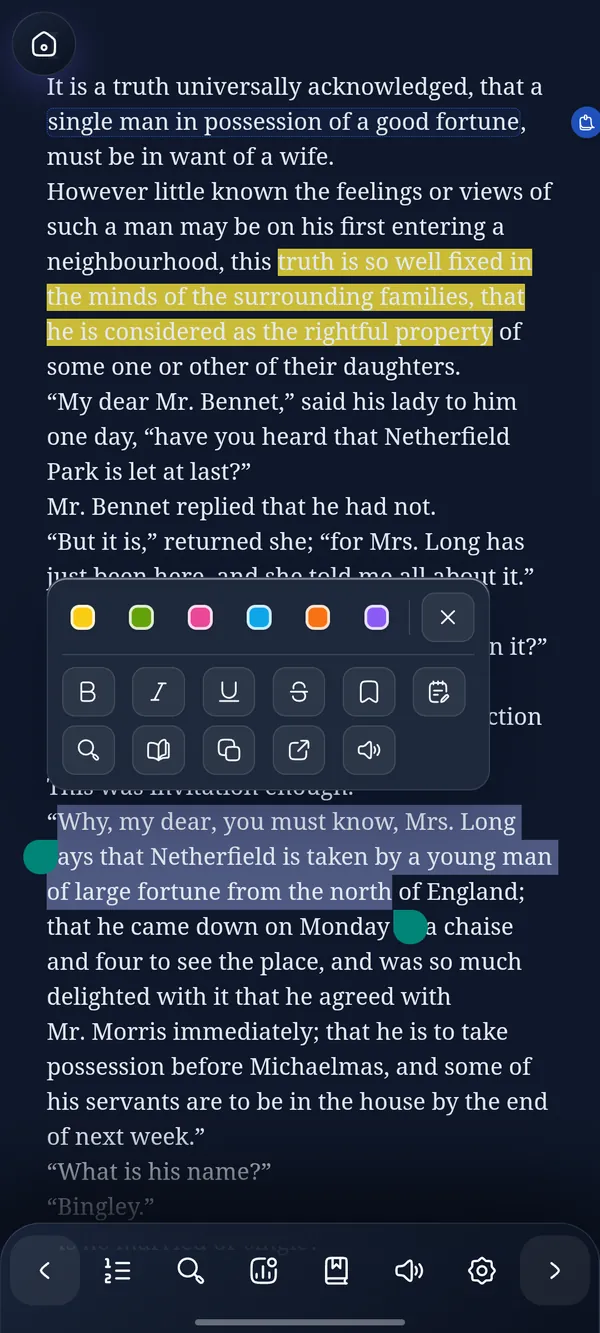
Six highlight colours, notes and bookmarks, a dictionary for unfamiliar words, and search inside any book.
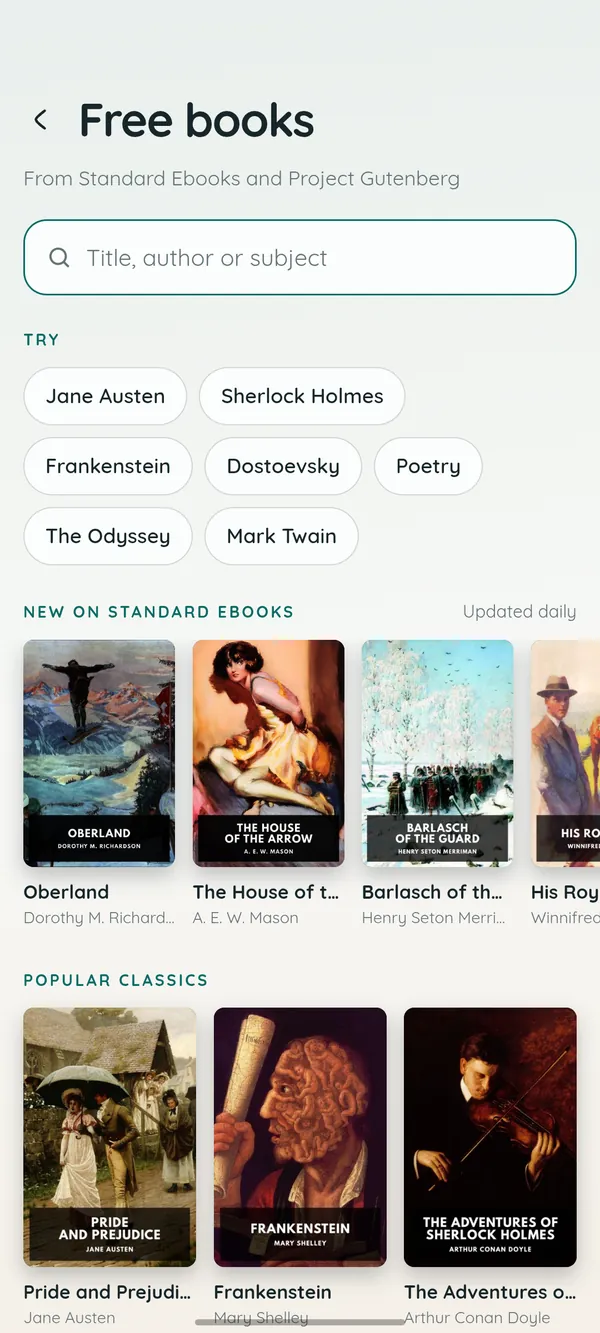
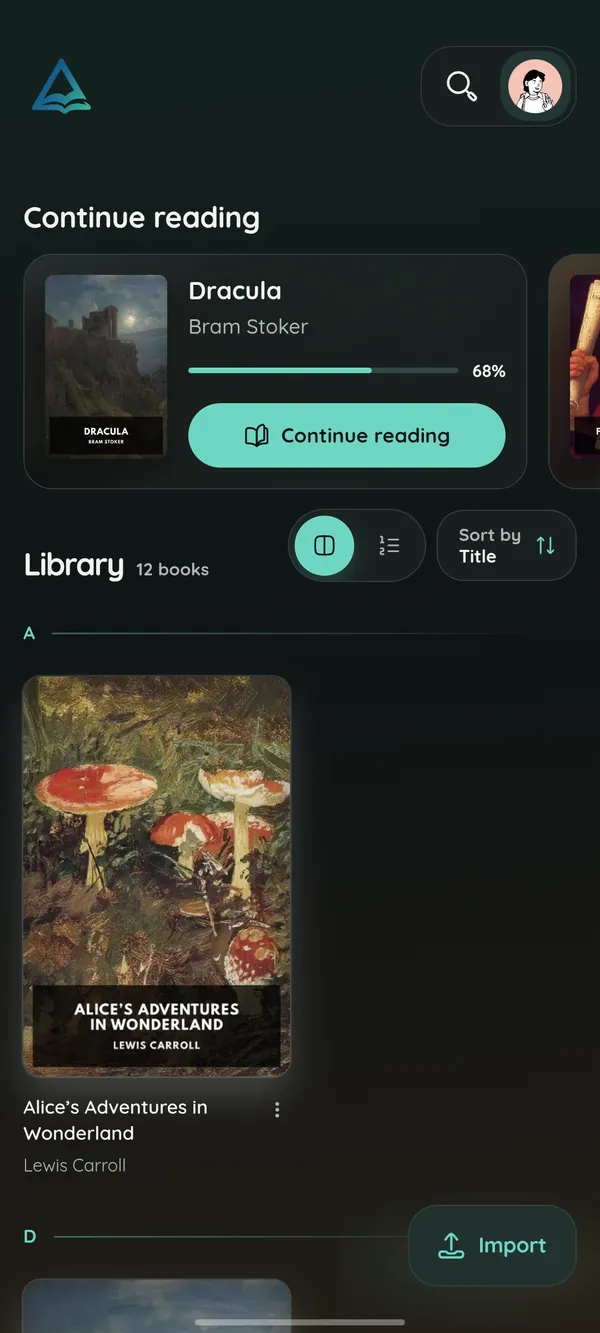
New Standard Ebooks releases every week, and more than 70,000 public-domain books from Project Gutenberg.
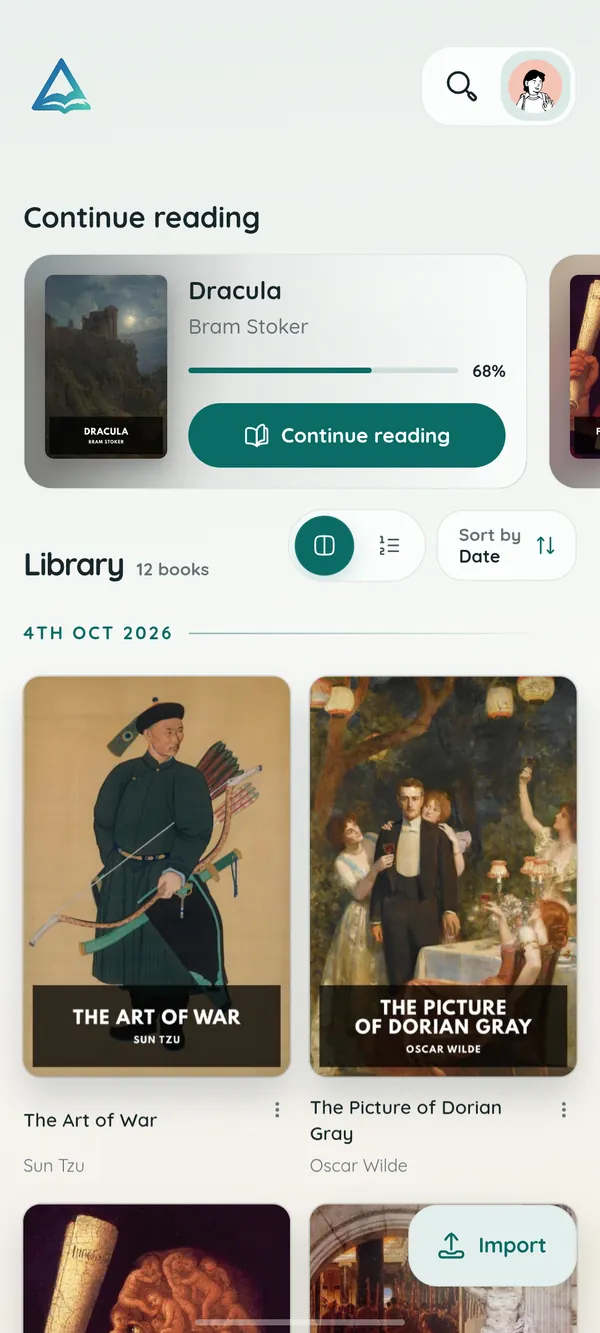
Shelves for every mood, favourites, finished books and search. Pick one of 18 avatars while you are at it.
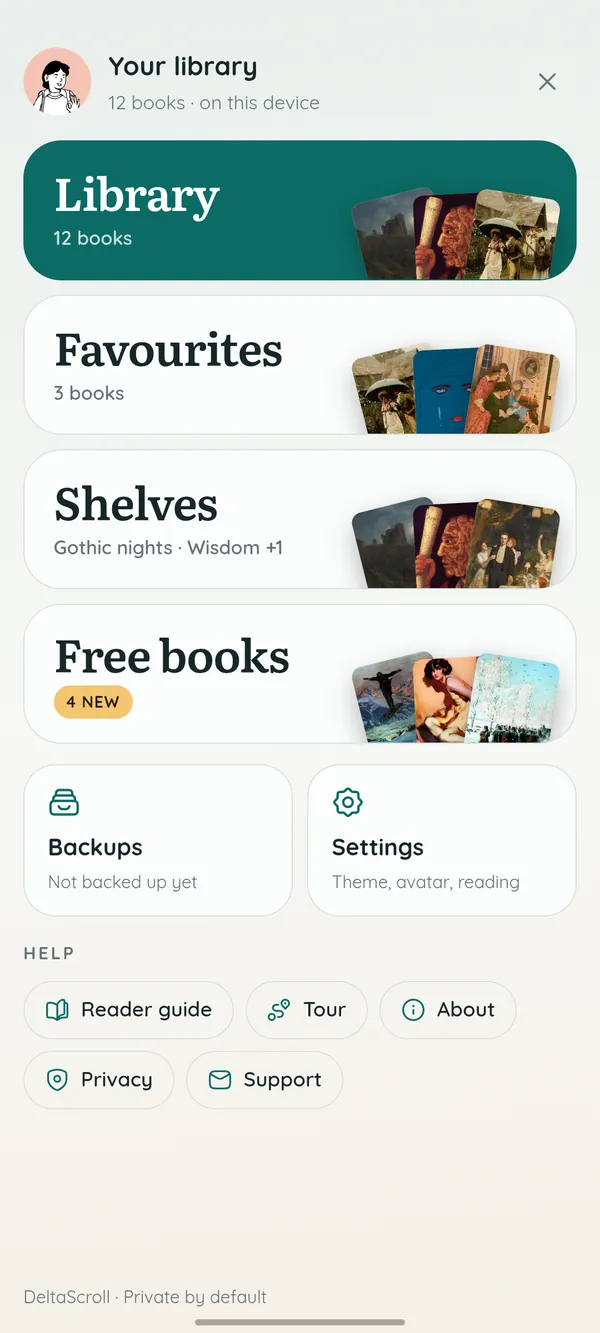
Save everything to one file or to Google Drive, and restore it on any device.
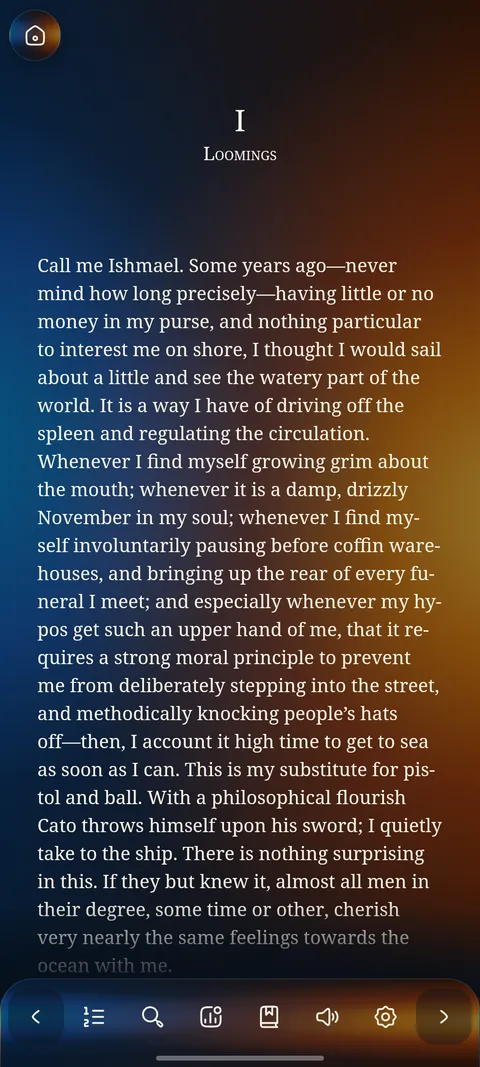
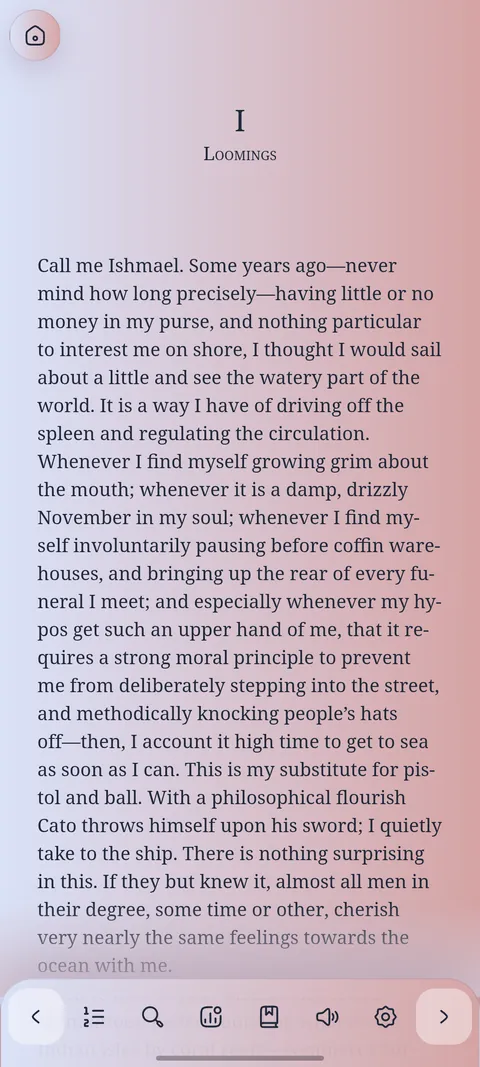
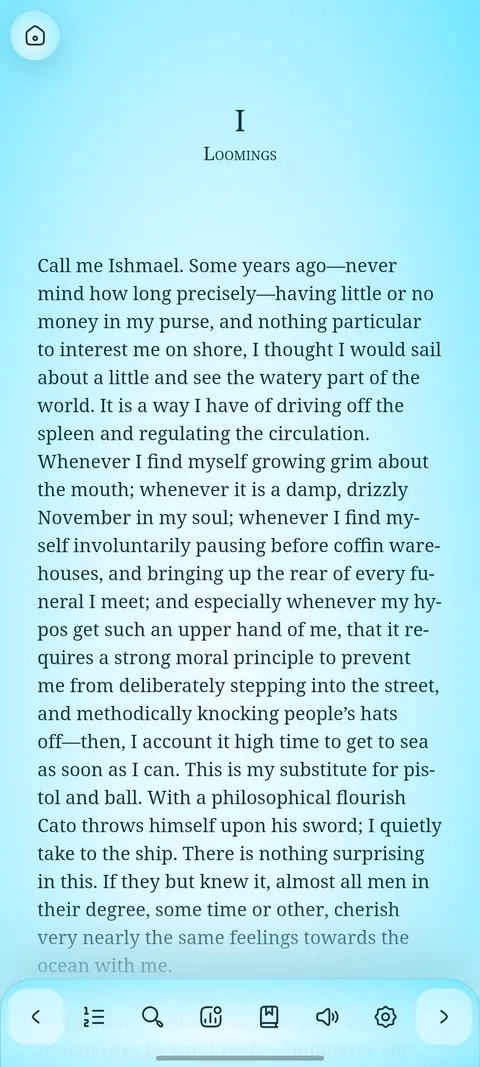
Five reading themes
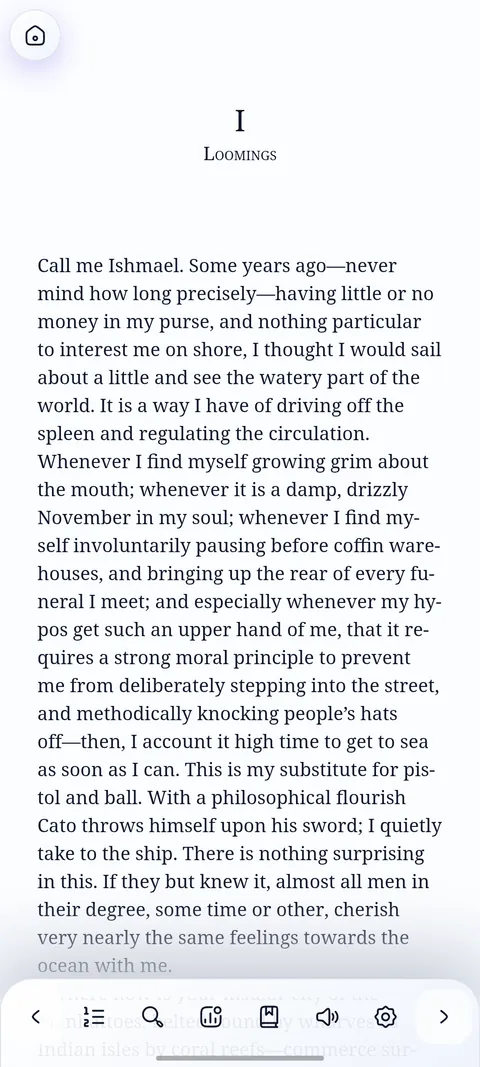
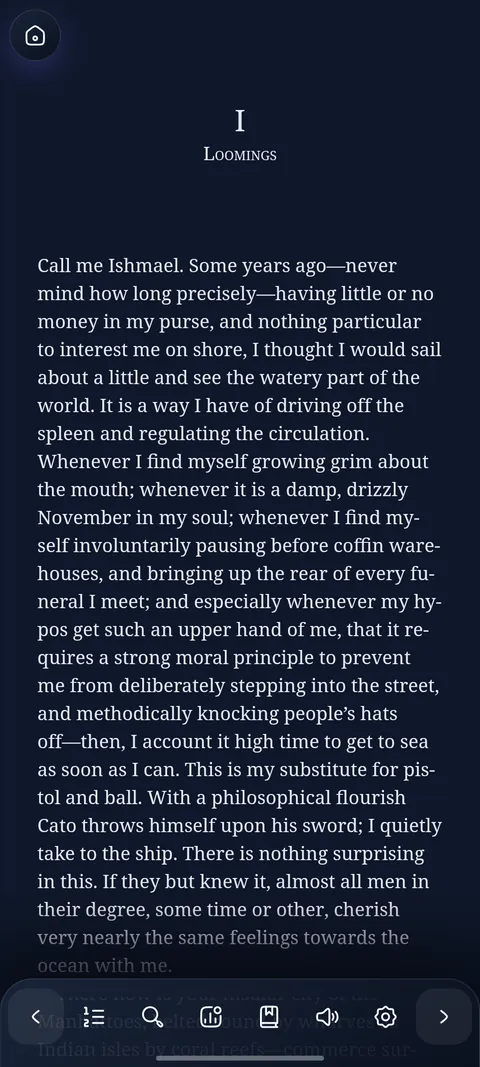
Light, Dark, Fire, Moonrise and Glacier, with six fonts and adjustable size and spacing. Turn pages with a curl, or scroll.
Private by default
DeltaScroll does not need an account and does not show ads. What you read, what you underline and how far you got stay on your phone.
Questions
Supported devices, files, free books, read-aloud and backups.
Yes. DeltaScroll is free to install and use, with no ads and no account. Donations are optional and help independent development.
Android 8.0 or later, on phones and tablets. Page turns, read-aloud and the reading themes work on every supported device.
EPUB books open directly. PDF and DOCX files become readable books on your phone. You can open them from your file manager, from the share menu of another app, or from inside DeltaScroll.
From Standard Ebooks, whose carefully formatted editions arrive every week, and from Project Gutenberg's library of more than 70,000 public-domain books. Each is one tap from your library.
Yes. Read-aloud uses natural voices in 70 languages, lights up each sentence as it is spoken, and lets you choose the speed.
Open Backups to save your books, reading positions, shelves, highlights and notes to a single file, or to Google Drive. Restore that file on any device with DeltaScroll.
Also on
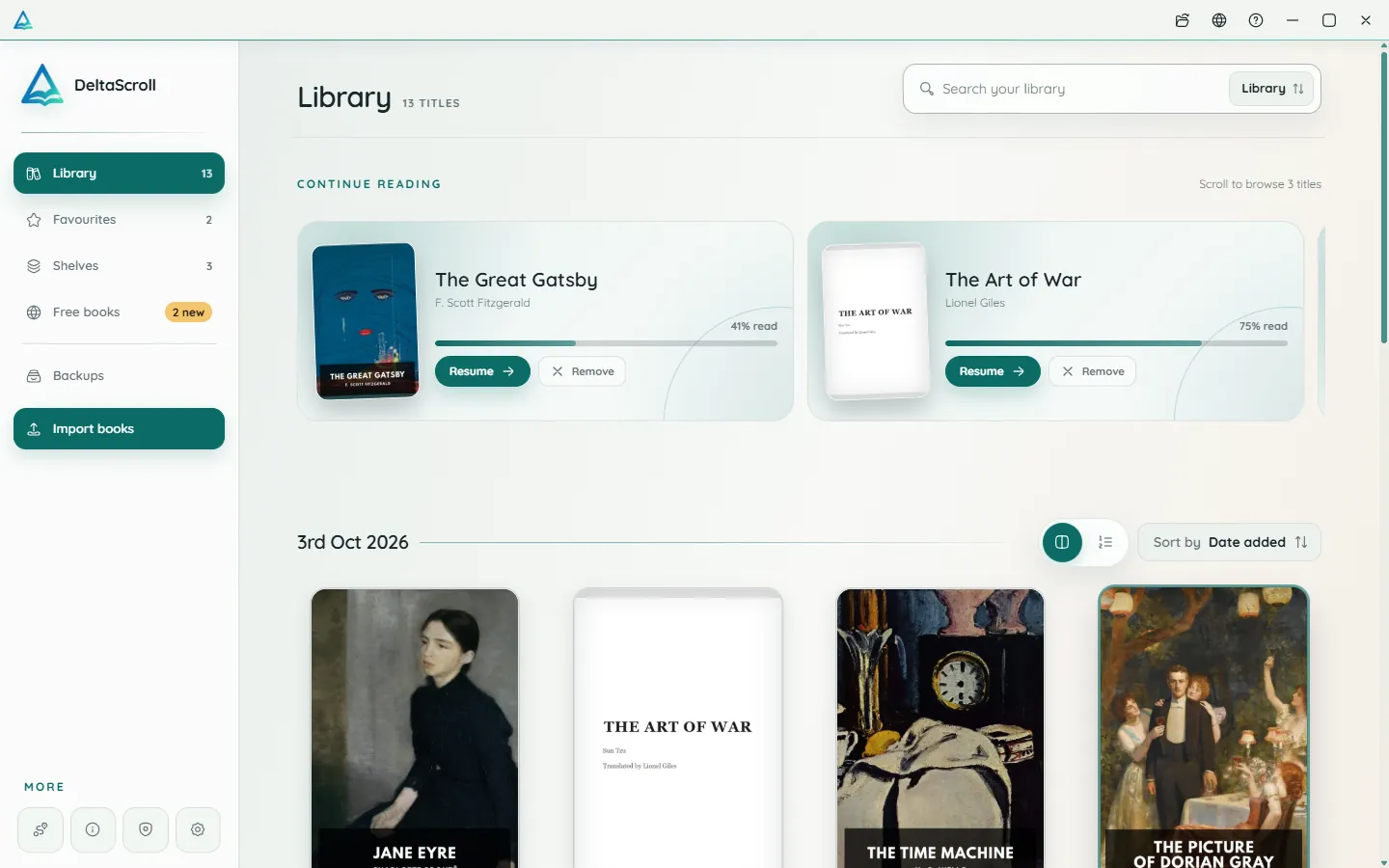
A focused desktop reader with tabs for your books, natural voices and local PDF and DOCX conversion.
Open your library in any modern browser. Install it as an app if you like, and keep reading offline.
Install DeltaScroll from Google Play and open your first book in under a minute. See every version on devices.deltascroll.com.